
Designing with AI · Lesson 1
Context for context
How to take what you learn from users into the agent's context, from the project folder to the coded interface, so AI builds the product your users need.
By Oisín Ó Muirí · 7 min read
What makes an effective user interface?
You could say moments of delight, easy to use, beautifully aligned with the brand. All of the above is true. But what's most important is the ability to support the user in solving the problem they're facing.
And how do we as designers do this? Research.
Spending time with the people we're designing for. Feeling the frustration caused by their problem, their current suboptimal solution, the time wasted looking at a screen instead of spending it with their customers, their co-workers, their family.
The interfaces we design are merely a means to an end. Whatever research methods we use, the time must be spent to understand that frustration.
Though ‘understand’ is the wrong word. It's not a ‘brain thing’ to understand, it's a ‘belly thing’ to feel.
This is what we as mammals do. Empathise with other mammals.
As AI agents become so effective at generating user interfaces, the role we play as designers is to feel what our user experiences and guide the agent towards a solution.
But the agent hasn't spent that time with the user. We need to give it the context to work from, and keep returning to the problem as we design.
Here's how I do that.
A home to store context
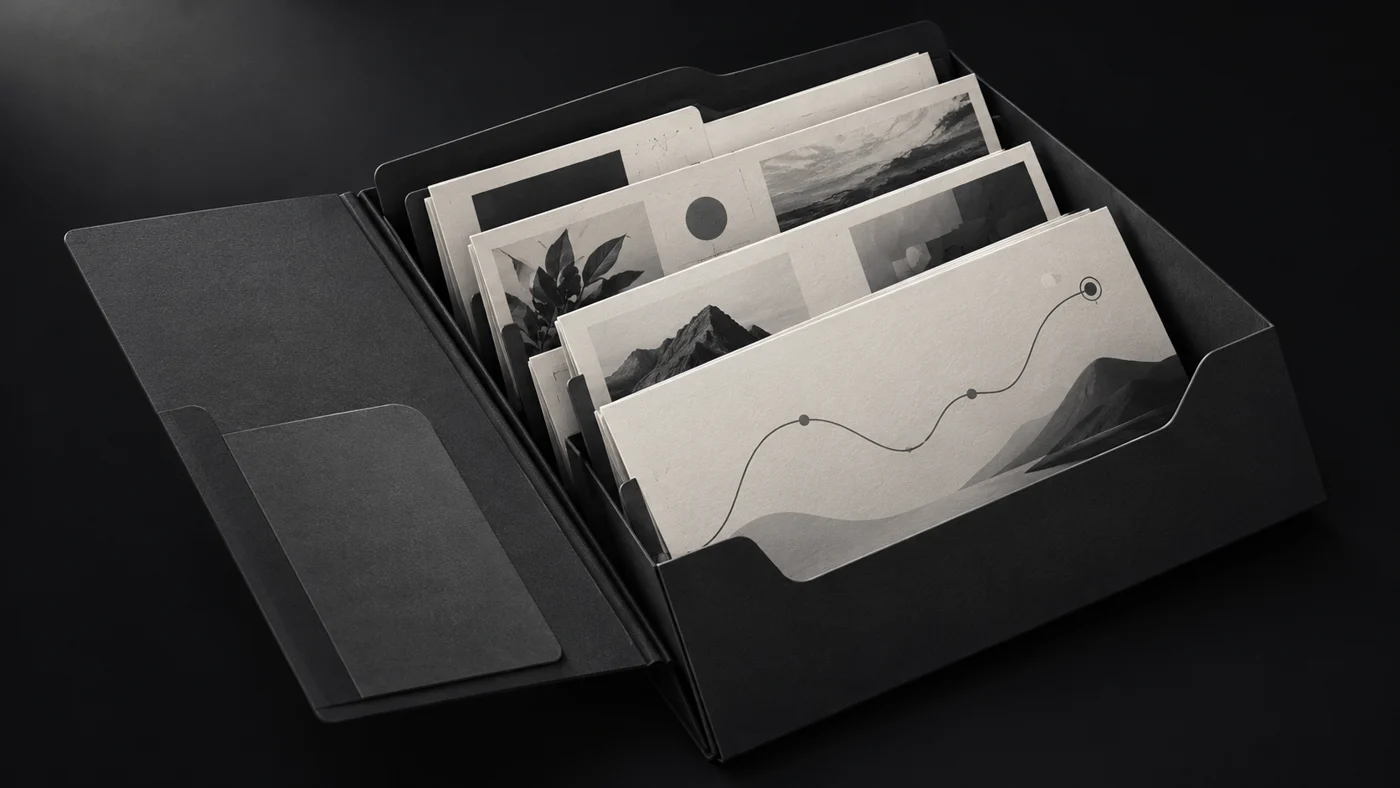
First, create a project folder. Simply a folder on your computer where you store the research your agent needs to explore.
I always return to Dan Nessler's Revamped Double Diamond to orient myself in the design process.
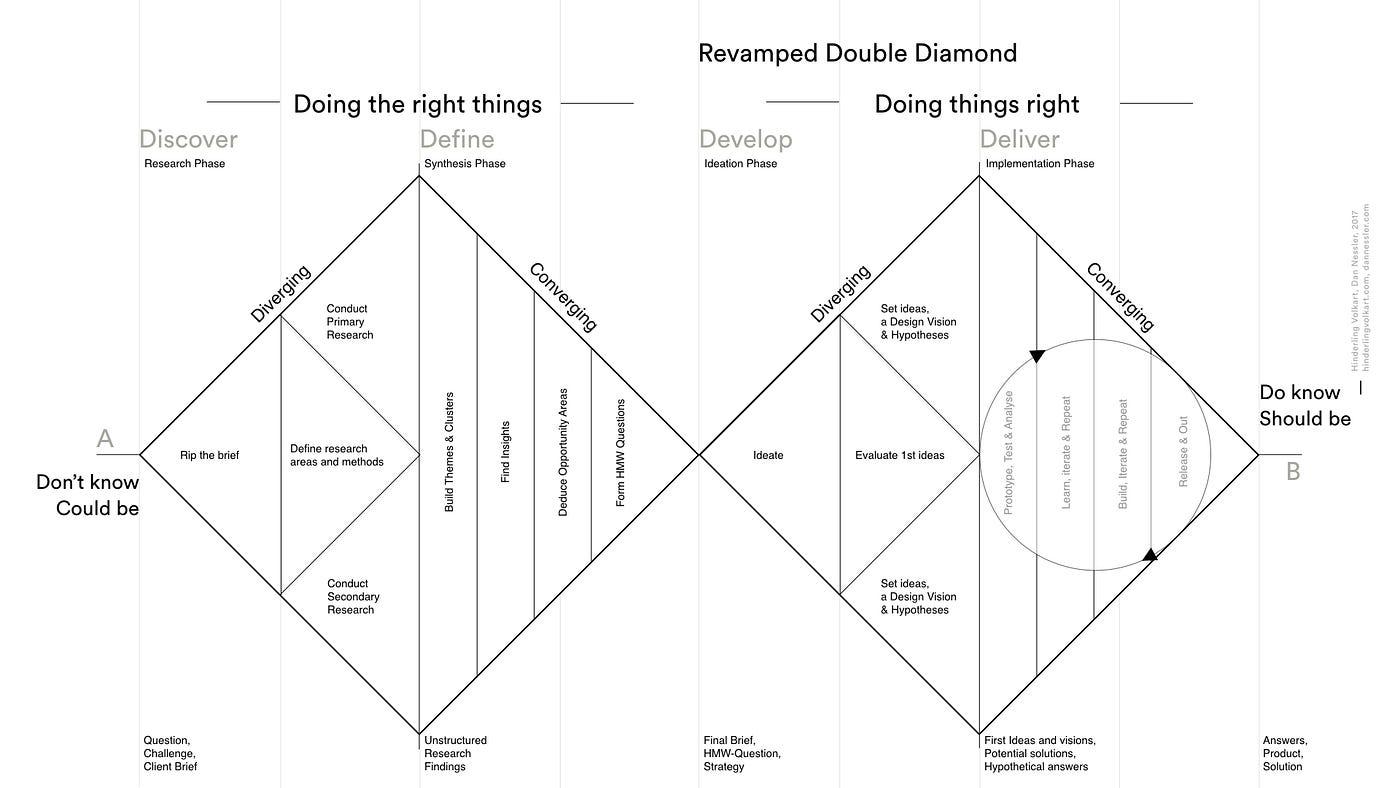
Bring together your findings, user journey map and the statements that define what you're trying to solve:
Problem statement: Who is the user, what do they need, and why?
[Name of user persona] is a [type of user] who needs [type of user experience] because [benefits of user experience].
Hypothesis: If the user can perform this action, what benefit should they achieve?
If [user] can perform [action], then they will achieve [benefit].
Value proposition: How do the product's features and benefits meet those needs?
- Describe your product's features and benefits.
- Explain the value of the product.
- Connect these features and benefits with the needs of your users.
- Review and identify unique value proposition.
Product goal: What should the product help people do, and how will you measure its effectiveness?
Our [product] will let users [perform specific actions] which will affect [describe who the action will affect] by [describe how the action will positively affect users]. We will measure effectiveness by [describe how you will measure impact].
These give the agent something to work towards. They also give me something to return to when judging what it produces.
Get the agent to grill you
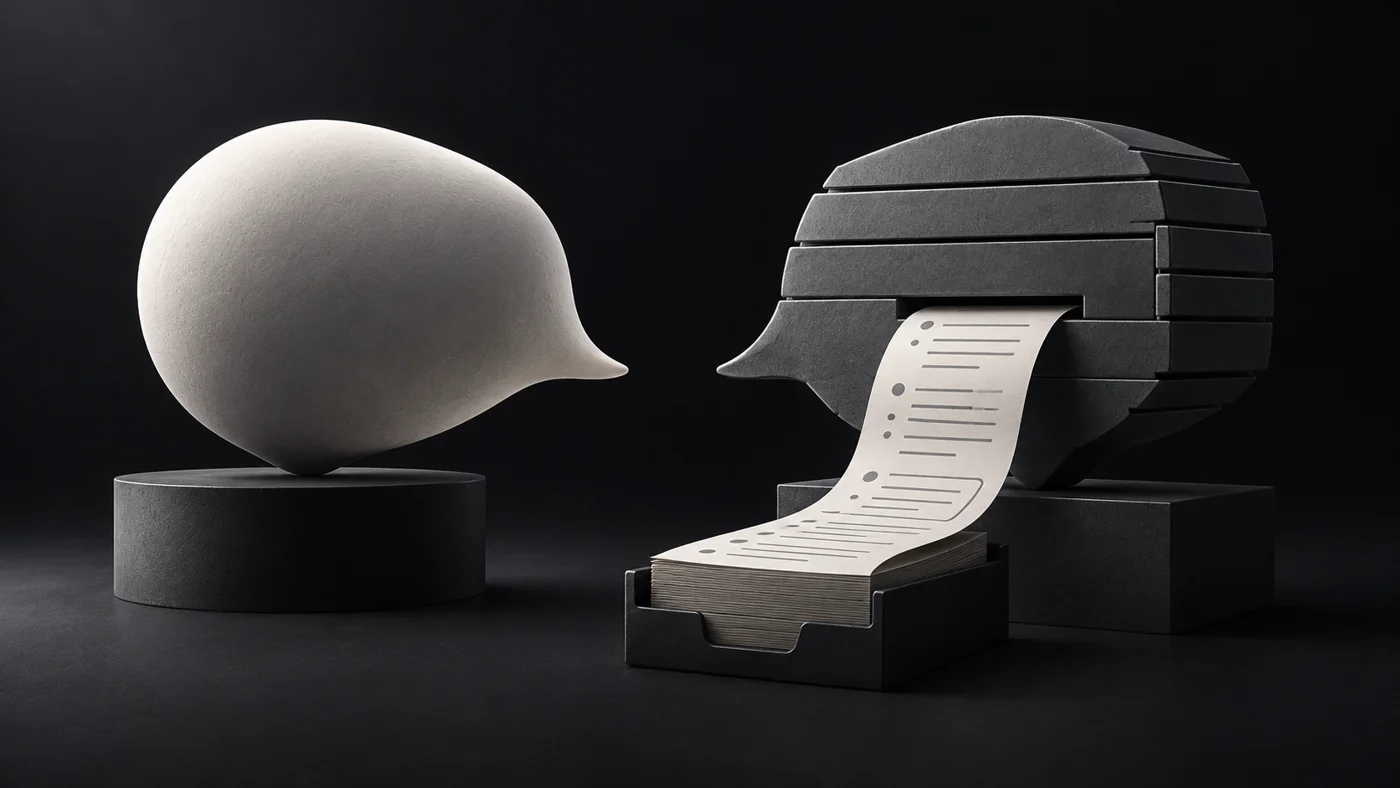
You have a good understanding of your user's problems. Now you need to get your agent up to speed.
I use grill-me, an agent skill created by Matt Pocock that asks questions in an interview format. I like to do this in Visual Studio Code with the Claude Code extension, but you can use your agent setup of choice.
This can take up to 90 minutes and contain 35+ questions. The back and forth enriches both my understanding of the problem and the agent's. It's time spent questioning what we're about to build before getting carried away with how it might look.
The agent actively documents my answers in the project folder as we go. I answer the questions; the agent keeps the record, ready for the next session to build on.
At this point, I use the /init command in Claude Code to create a CLAUDE.md file. I review it so it describes the project, points to the research and helps future agent sessions navigate the folder.
The context is stored, ready for the next session to read. It's also useful for your teammates and their agents.
Connecting Figma
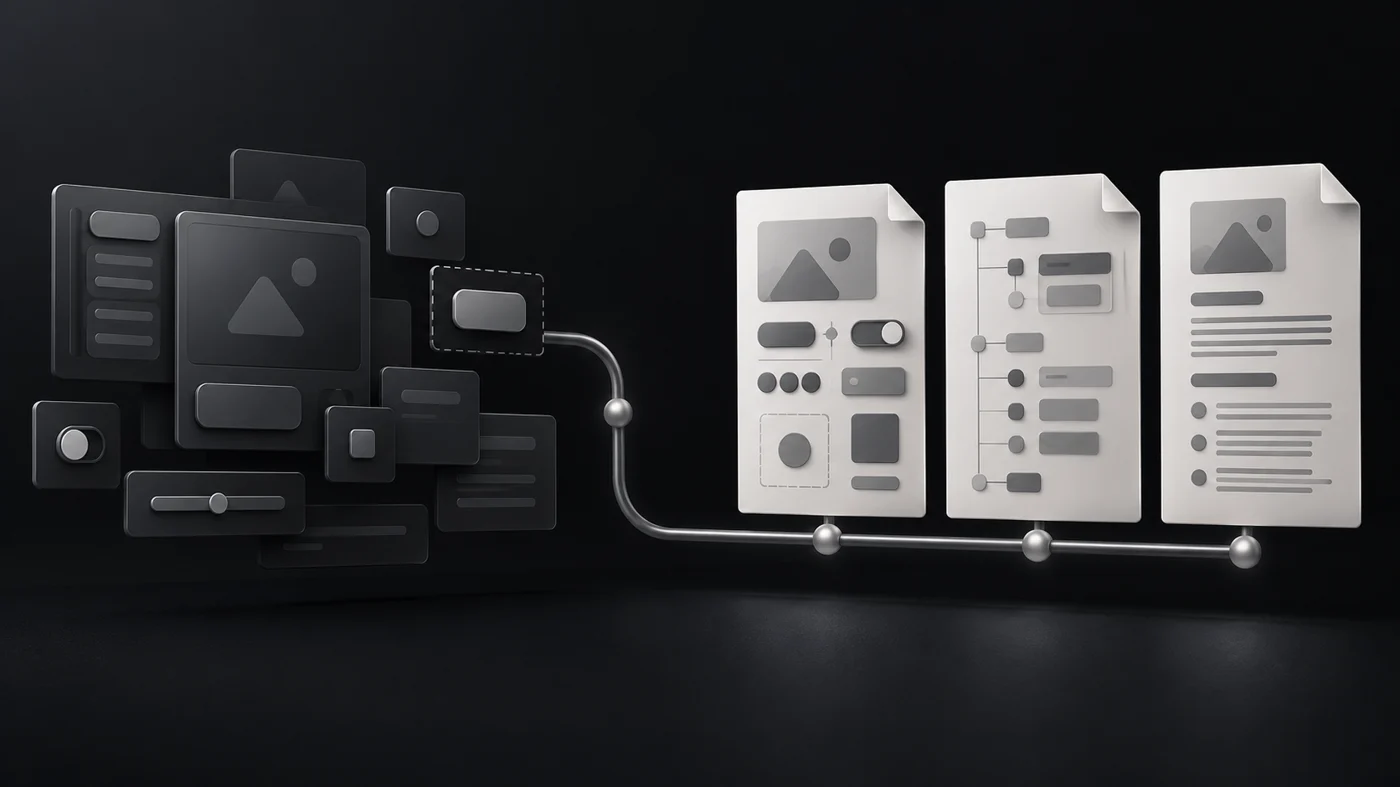
The research gives the agent context about the problem. An existing component library gives it context about the interface it can build.
I ask the agent to use the Figma MCP connection to read the component library and create the documentation in the project repository. What it can read or change depends on the integration you're using.
The agent creates a dedicated folder for each component containing a PNG, a JSON file capturing its values, and a Markdown file describing it in readable language. It documents the design tokens alongside them too.
I give the instruction. The agent does the reading, exporting and documenting.
Now the agent has the problem we're trying to solve and the components available to work with.
Designing the interface
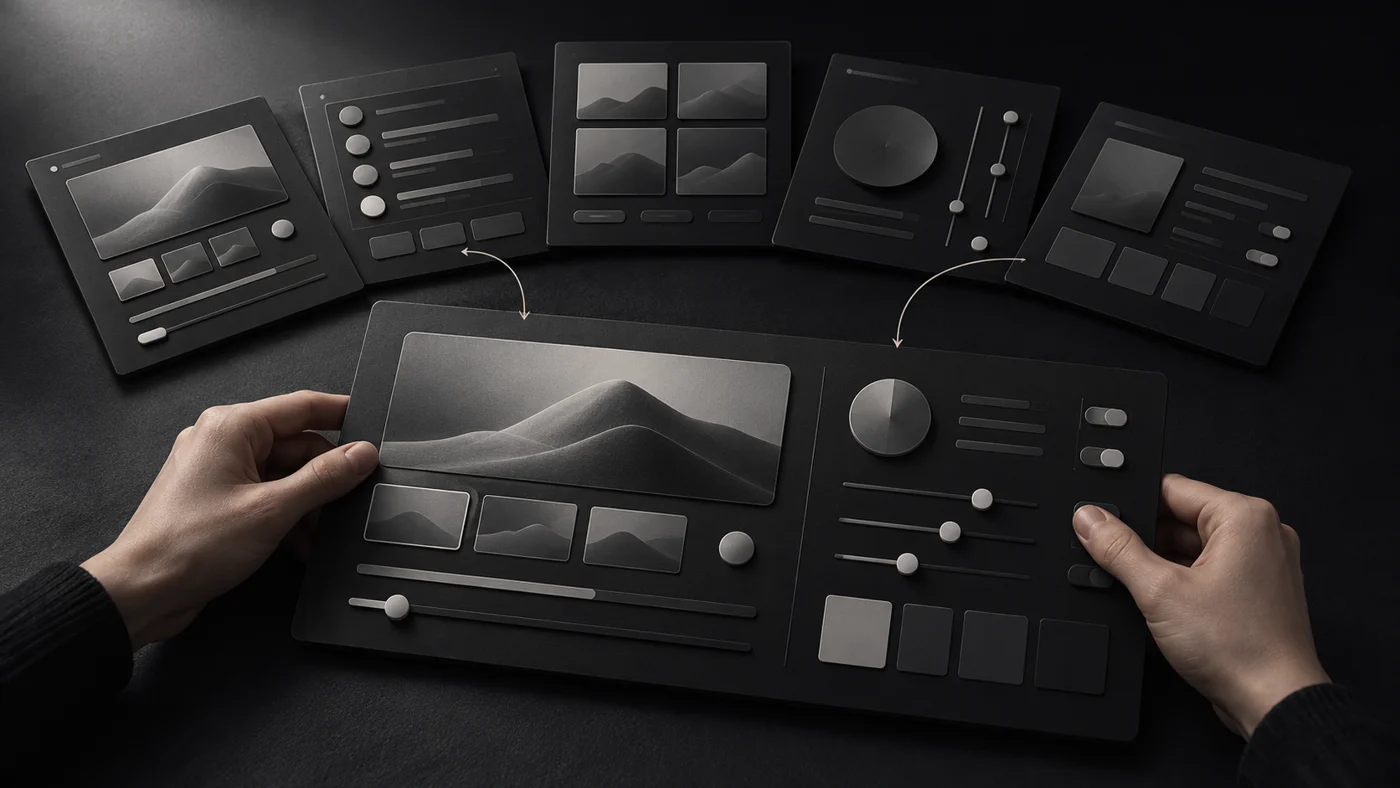
I don't design in Figma anymore. I do not spend time pixel pushing. I design in code.
I point to an inspiration image and tell my agent to craft five versions in a playground environment.
I get inspired by seeing the design and interacting with it. I can feel what works and what doesn't. I can select aspects of version 2 and aspects of version 5 and tell the agent to craft a new version that combines them.
But having five versions doesn't tell me which parts to keep.
I have to return to those feelings of frustration I shared with the user. Where does this experience still make them work too hard? Does it help them do what they came here to do? Can it solve their problem effectively?
This is where I use my judgement to guide the next version. The research gives me a reason to keep something, change it or ask the agent to try again.
I'm coding user experiences purposely crafted to solve the user's problem. Seeing and interacting with them is much more engaging and motivating for me as a designer than crafting designs in Figma.
Working in code
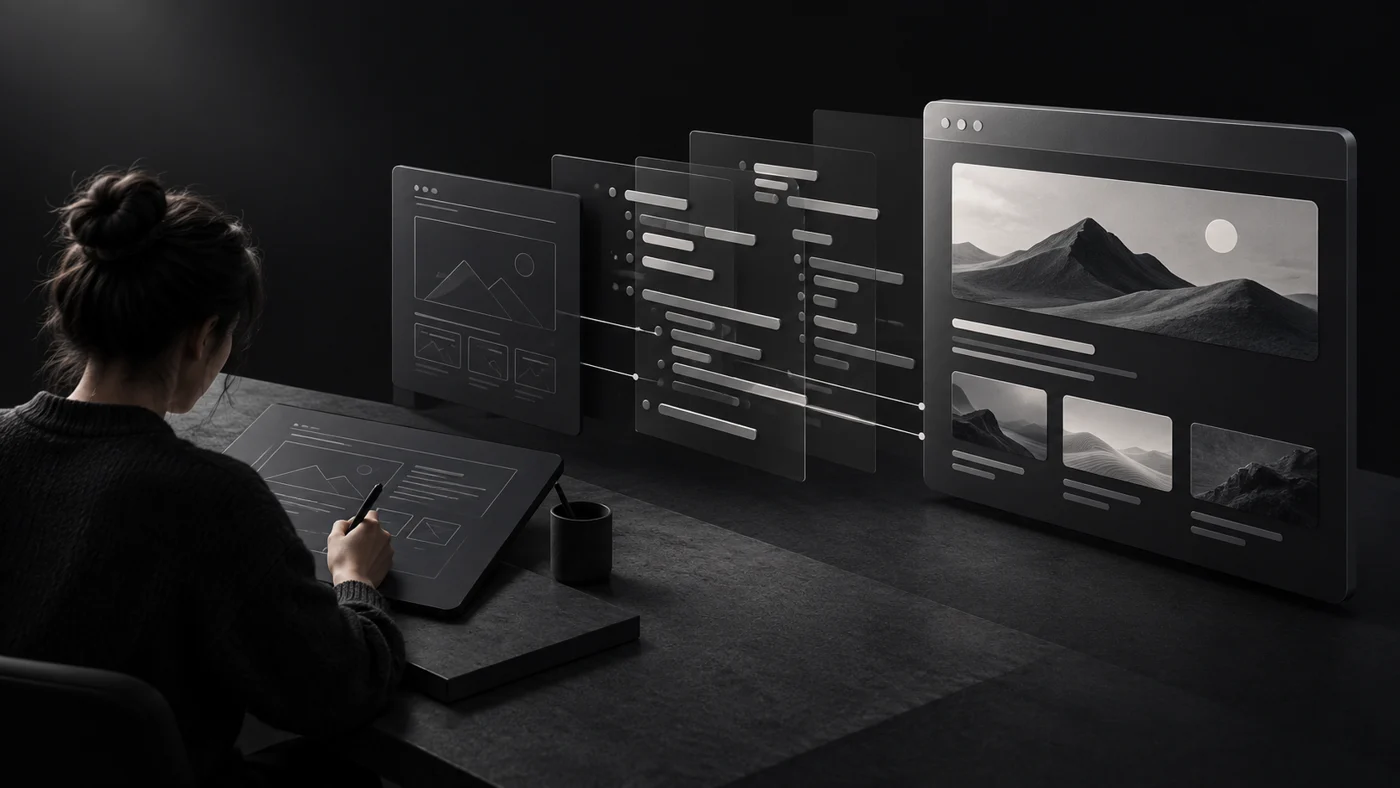
Before 2026, I did not code. Now, with agents, I've had to get used to the terminal, uploading to GitHub and deploying to Vercel.
It is daunting. It blends the roles of designer and engineer. Becoming comfortable with these tools allows me to craft the full stack. And I recommend you do too.
From the research in the project folder to the versions in the playground, I keep returning to the person I'm designing for.
Can this experience solve their problem and give them some of that time back?
If you'd like to explore this with me, join the next free lightning lesson. The date comes to your inbox first.
Section illustrations generated for OO-UX. Double Diamond diagram by Dan Nessler, based on the Design Council's Double Diamond.